Introduction
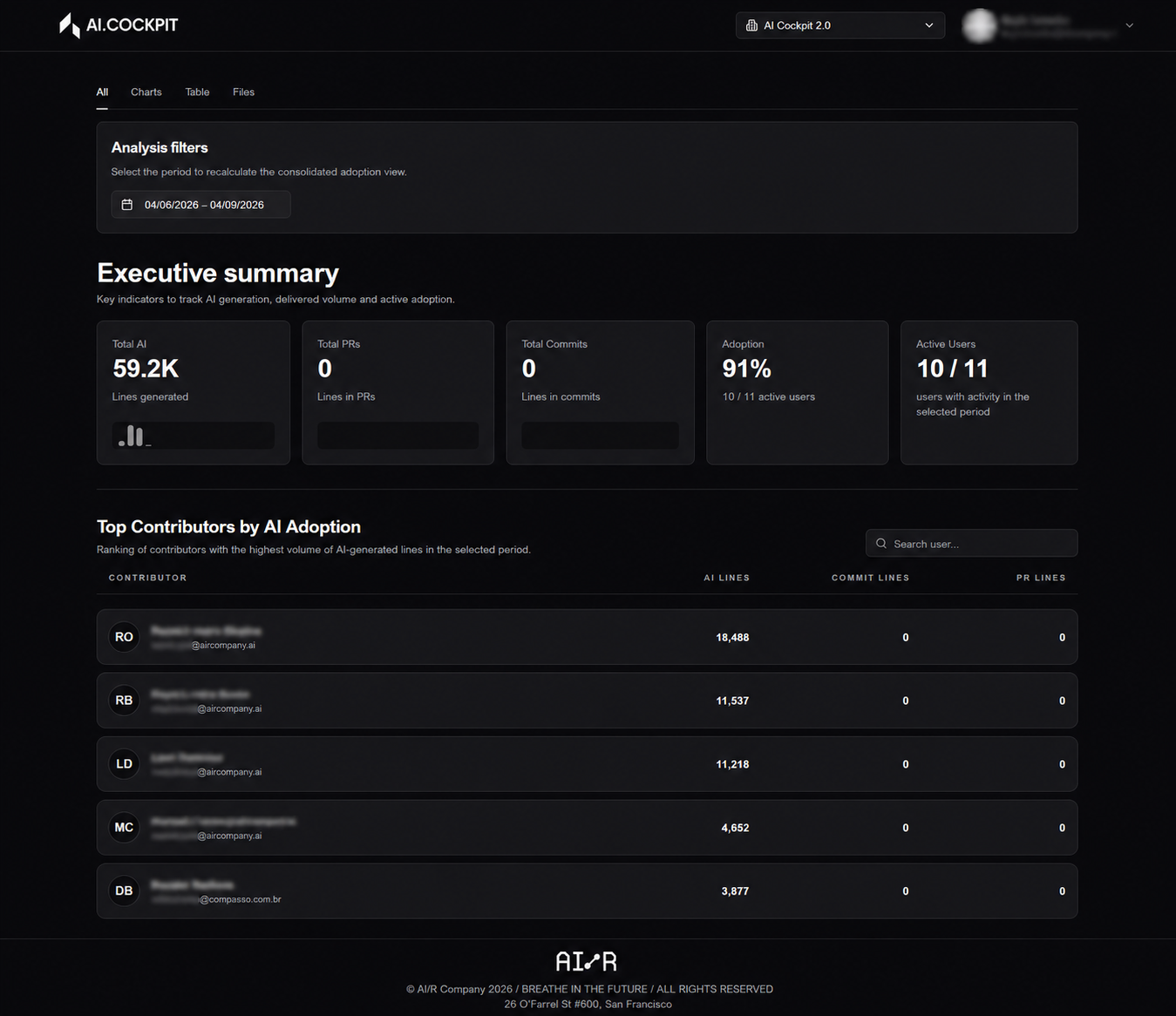
AI Adoption is a monitoring and analysis application that helps organizations understand how AI is being used across repositories, contributors, and delivery activity. It combines version control data with telemetry information to provide a consolidated view of AI adoption.
AI Adoption tracks AI-assisted software delivery activity. It helps teams and leaders understand adoption levels, compare contributor behavior, review repository patterns, and inspect file-level usage over a selected period.
Who Uses AI Adoption?
| Role | Primary Use |
|---|---|
| Engineering Managers | Track AI adoption levels across teams and delivery periods |
| Team Leads | Compare contributor activity and identify adoption gaps |
| Platform Administrators | Configure the application and manage provider connections |
AI Adoption helps identify where each contributor stands on the adoption curve — from heavy users who have fully integrated AI into their daily workflow, to non-users who are active contributors but have not yet adopted AI tools. Use this visibility to direct coaching and enablement where it will have the most impact.
Application Sections
The application is organized into a small set of sections that support both setup and analysis:
- Accessing the Application — sign in, select your organization, and navigate the main interface
- Dashboard — explore adoption indicators, charts, contributor tables, and file-level views
- Synchronization — fetch and register repository data for a selected period
- Settings — configure the version control provider, select repositories, and manage identity mappings
- Troubleshooting — resolve common issues with login, configuration, synchronization, and missing data
Typical Workflow
In a standard setup, the application is used in the following order:
- Access the application with your authenticated account.
- Select the organization whose adoption data you want to inspect.
- Configure the version control provider in the Settings area.
- Select the repositories that should be included in the analysis.
- Upload a user mapping file if provider identities need to be reconciled with telemetry identities.
- Run synchronization for the desired period.
- Use the dashboard to review adoption indicators and detailed views.